Lightweight Linux Distros for Old Laptops: A 4GB RAM Test Reveals a Surprising Winner
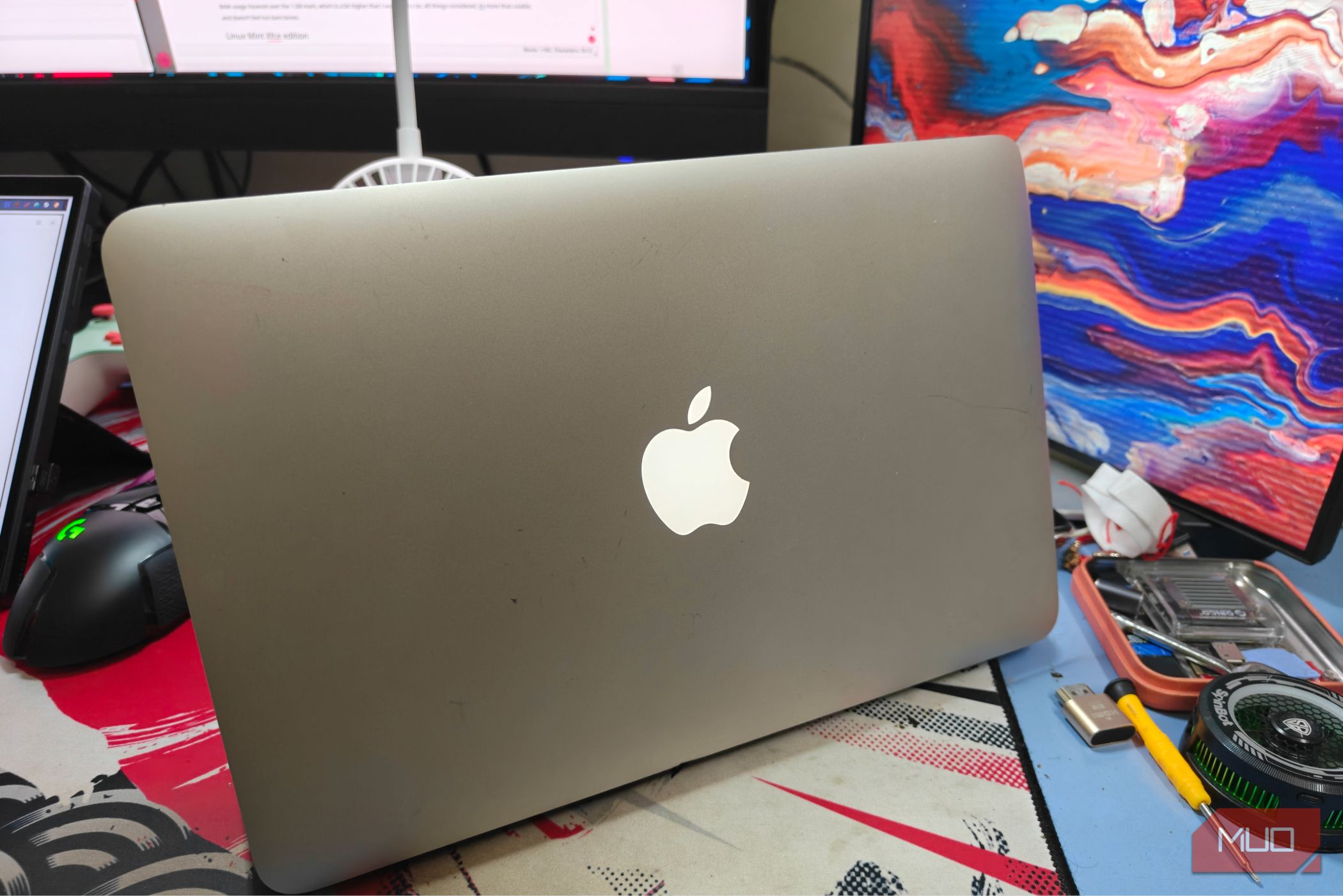
When you have an old laptop with just 4GB of RAM, modern operating systems can feel sluggish or even unusable. That's where lightweight Linux distributions come in. I tested four such distros on a 4GB machine to see which ones breathe new life into aging hardware. The results were eye-opening, especially one that outperformed expectations. Below, I answer the most common questions about this experiment.
Why test lightweight Linux distros on a 4GB laptop?
Many older laptops have limited memory, and mainstream operating systems like Windows or Ubuntu might consume too much RAM, leaving little for applications. Lightweight distros are designed to run efficiently on modest hardware. By testing them on a 4GB machine, we can determine which ones offer a smooth, responsive experience without requiring a hardware upgrade. This is crucial for users who want to extend the life of their computers, reduce e-waste, or simply need a snappy system for basic tasks like web browsing, word processing, and media playback.
Which four distros did you choose and why?
I selected four popular lightweight Linux distros: Lubuntu, Peppermint OS, Linux Lite, and Zorin OS Lite. Each aims to minimize resource usage while maintaining usability. Lubuntu uses the LXQt desktop, Peppermint combines LXDE with cloud integration, Linux Lite offers a Windows-like interface, and Zorin OS Lite provides a smooth, modern experience. I chose them because they represent different approaches to lightweight computing and are well-reviewed by the community.
How did each distro perform on the 4GB laptop?
Here's a quick breakdown of their performance:
- Lubuntu: Brisk and efficient, using about 400MB of RAM at idle. Applications opened swiftly, and multitasking with a few tabs was comfortable.
- Peppermint OS: Slightly heavier at ~500MB idle, but still responsive. Its cloud-centric design kept local resource demands low.
- Linux Lite: Used ~450MB RAM and felt fluid, though the desktop had a few visual stutters under heavy load.
- Zorin OS Lite: Consumed ~550MB idle, but animations were smooth and overall experience was surprisingly polished.
All distros handled basic tasks like web browsing and office work well, but the standout was Zorin OS Lite, which felt much more refined than its RAM usage suggested.
Which distro surprised you the most and why?
I was most surprised by Zorin OS Lite. Despite having the highest idle RAM consumption among the four, it delivered a desktop experience that rivaled heavier distros. It included subtle animations, a clean interface, and excellent out-of-the-box support for drivers and software. I expected it to feel sluggish, but it was smooth even with multiple applications open. This shows that efficient code and a well-optimized desktop environment can compensate for higher memory usage. Zorin OS Lite proved that a lightweight distro can be both beautiful and performant.
What are the key takeaways for someone with a 4GB laptop?
If you have a 4GB laptop, don't assume you need to throw it away. Lightweight Linux distros can transform it into a capable machine. Here are my recommendations:
- Try Lubuntu for maximum performance and minimal footprint.
- Consider Zorin OS Lite if you want a modern, elegant interface without sacrificing too much speed.
- Use Peppermint OS if you're heavy on web apps and cloud services.
- Stick with Linux Lite if you prefer a familiar Windows-like environment.
Always test a live USB before installing, and adjust settings like disabling animations or unused services to free up RAM.
Should you choose a 32-bit or 64-bit lightweight distro for a 4GB laptop?
For a 4GB laptop, a 64-bit distro is generally recommended because it can address all 4GB of RAM more efficiently. 32-bit systems are limited to about 3GB usable memory. Most modern lightweight distros (including the ones I tested) offer 64-bit versions. However, if you have an older CPU that doesn't support 64-bit, you'll need a 32-bit distro—though such hardware is increasingly rare. Stick with 64-bit to get the most out of your 4GB RAM.